



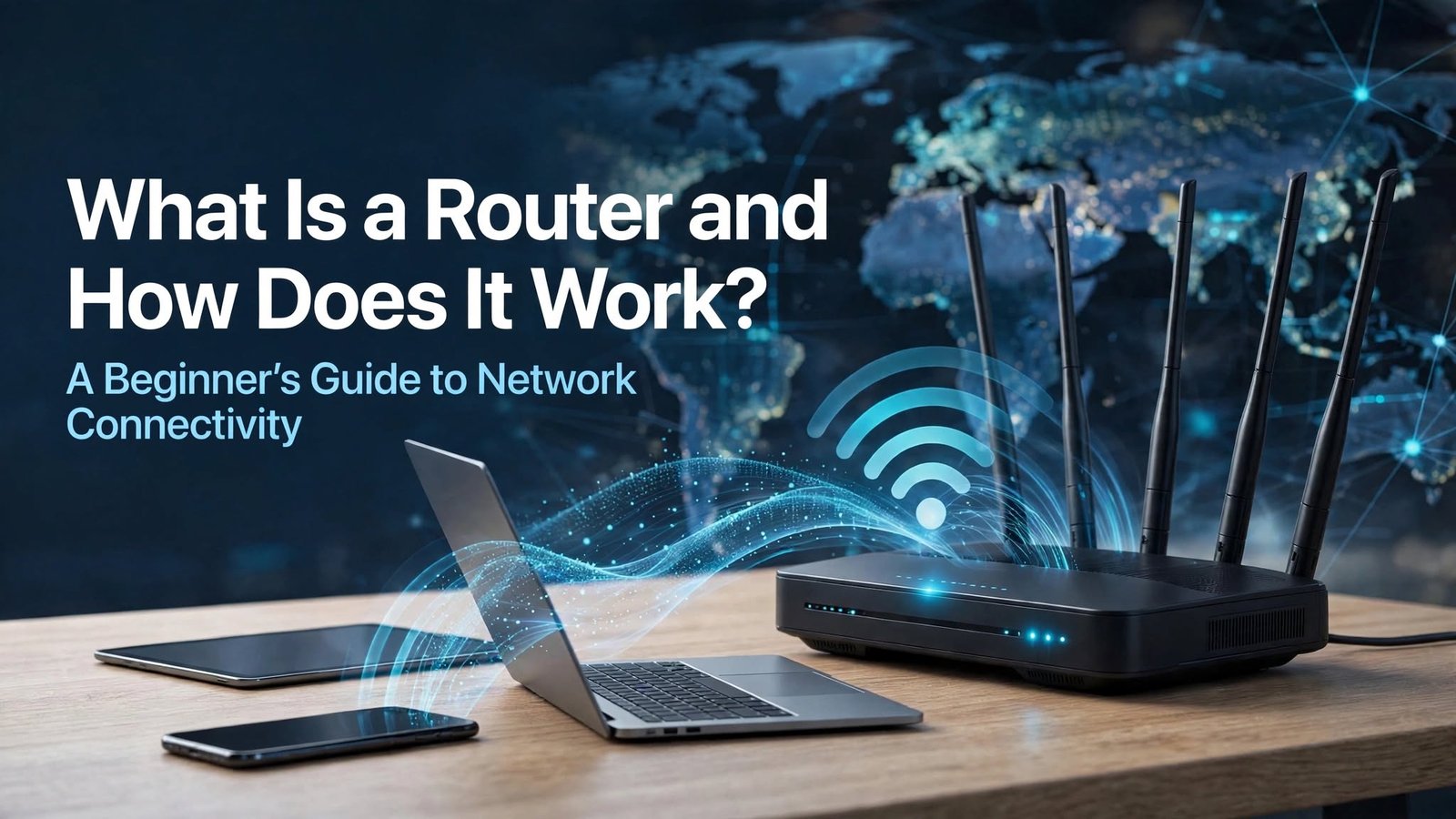
A router is an essential networking device that connects different devices to a network and helps transfer data between them. It is commonly used in homes, offices, schools, and businesses to provide internet access and enable communication between computers, smartphones, smart televisions, and other connected devices.
In today’s digital world, routers play an important role in keeping people connected to online services, websites, applications, and communication platforms. Whether someone is browsing the internet, attending an online meeting, streaming videos, or playing online games, a router often helps make these activities possible.
Understanding what a router is and how it works can help beginners choose suitable networking equipment, improve their internet connection, and troubleshoot common connectivity problems. Although routers may look complicated, their basic purpose is straightforward: they direct data to the appropriate destination.
What Is a Router?
A router is a networking device that forwards data packets between different networks. Its primary function is to determine where information needs to go and select an appropriate path for delivering that information to its destination.
For example, when you open a website on your smartphone, your device sends a request through the local network. The router forwards that request toward the internet, and when the website responds, the router helps deliver the returning data to your device.
Many modern home routers also provide wireless connectivity through Wi-Fi, allowing multiple devices to connect without physical network cables. Depending on the model, a router may include additional features such as parental controls, guest networks, security settings, and tools for managing connected devices.
How Does a Router Work?
A router works by receiving data, examining its destination information, and forwarding it toward the appropriate network. Information transmitted across computer networks is generally divided into smaller units called packets, which contain data and information needed to help deliver it correctly.
When a device requests information from an online service, the router examines the packet’s destination IP address and consults its routing information to determine where the packet should be sent. It then forwards the packet through the appropriate connection, such as a home internet connection or another network interface.
When the requested information returns, the router directs the incoming traffic toward the appropriate device on the local network. In many home networks, Network Address Translation, commonly known as NAT, allows several devices using private IP addresses to share a single public IPv4 address.
The entire process usually happens within seconds, allowing users to browse websites, send messages, download files, and stream content without needing to manage the technical details themselves.
What Is the Difference Between a Router and a Modem?
A router and a modem are two different networking devices, although they are often used together to provide internet access. A modem or other internet access device connects a home or business to the internet service provider’s network, while a router distributes network connectivity among local devices and directs traffic between networks.
For example, a modem may establish the connection supplied by an internet service provider, while the router allows a laptop, smartphone, printer, and smart television to communicate through the local network. The router can also provide Wi-Fi if wireless functionality is built into the device.
Some modern networking devices combine modem and router functions in one unit. These combination devices can simplify installation because users do not always need separate pieces of equipment, although the exact setup depends on the internet connection type and service provider.
Different Types of Routers
Routers are available in several types to meet different networking requirements. The most suitable option depends on the size of the network, the number of connected devices, internet speed requirements, security needs, and the environment in which the equipment will be used.
Wireless Routers
Wireless routers allow devices to connect to a network through Wi-Fi rather than requiring a separate physical cable for every connection. They are widely used in homes, apartments, small offices, and other environments where convenient wireless access is important.
A wireless router can support smartphones, laptops, tablets, smart televisions, and compatible smart home devices. Its performance depends on factors such as wireless standards, supported frequency bands, signal interference, distance, and the number of devices using the network.
Wired Routers
Wired routers direct network traffic through physical connections, typically using Ethernet cables. They are useful in environments where a stable connection, predictable performance, or reduced wireless interference is important.
Businesses, gaming setups, and office networks may use wired connections for desktop computers, servers, and other equipment that benefits from consistent connectivity. Many modern routers support both wired Ethernet connections and wireless networking, giving users greater flexibility.
Core Routers
Core routers are designed to handle large amounts of network traffic within the central parts of major networks. Internet service providers and large organizations may use them to forward data efficiently between important network segments.
These routers are built for demanding environments that require high capacity, reliability, and advanced routing capabilities. They are different from ordinary home routers because they serve large-scale networking infrastructure rather than primarily connecting household devices.
Edge Routers
Edge routers operate at the boundary between one network and another, such as where an organization’s internal network connects to an external network or an internet service provider. They help manage incoming and outgoing traffic according to routing policies and network requirements.
Depending on their configuration, edge routers may support features such as traffic filtering, routing protocols, and connections to multiple network providers. They are commonly used in enterprise networks and other environments that require greater control over external connectivity.
Main Features of a Modern Router
Modern routers offer several features that help users manage their networks and improve connectivity. Understanding these features can make it easier to choose a device that meets specific internet and networking needs.
One important feature is Wi-Fi support, which allows compatible devices to connect wirelessly. Many routers support multiple frequency bands, such as 2.4 GHz and 5 GHz, while newer models may also support 6 GHz when compatible hardware and regional regulations permit it.
Another important feature is Ethernet connectivity. Ethernet ports allow devices to connect directly to the router, which can be useful for desktop computers, gaming consoles, televisions, and other equipment that requires a reliable connection.
Security features are equally important because routers help control access to a local network. Depending on the model, these features may include WPA2 or WPA3 wireless encryption, firewall capabilities, guest network options, firmware updates, and parental controls.
Why Is a Router Important?
A router is important because it allows multiple devices to share a network connection and communicate with other networks. Without an appropriate routing device or equivalent network functionality, connecting several devices to the internet and managing their traffic may require additional equipment or a different network configuration.
In a home environment, a router enables family members to use smartphones, laptops, streaming devices, and smart home products through the same internet connection. In an office, it can connect computers, printers, and other equipment while providing access to online business tools and cloud-based services.
Routers also help organize network communication by forwarding traffic toward its destination. More advanced models can support network segmentation, traffic management, virtual private network connections, and other features that help meet specific security and performance requirements.
How to Set Up a Router
Setting up a router usually involves connecting the device to the internet service provider’s equipment, powering it on, and configuring its network settings. The exact process depends on whether the connection uses a separate modem, a fiber-optic terminal, a combination gateway, or another type of access device.
First, connect the router’s internet or WAN port to the appropriate internet access device using the recommended cable. Then power on the router and allow it to complete its startup process before opening its configuration application or administration page.
Next, follow the manufacturer’s instructions to create a Wi-Fi network name and a strong password. You may also need to select an internet connection type or enter settings provided by your internet service provider.
After completing the configuration, connect a device to the network and test whether websites and online applications work correctly. If the internet does not connect, check the cables, restart the relevant equipment, and confirm that the service provider’s connection is active.
Common Router Problems and Their Solutions
Router problems can cause slow internet speeds, unstable Wi-Fi connections, dropped connections, or difficulty connecting new devices. These issues may result from wireless interference, outdated firmware, incorrect settings, equipment faults, or problems with the internet service itself.
One common solution is to restart the router by following the manufacturer’s recommended procedure. Restarting can resolve some temporary connection problems, although it will not fix every underlying issue.
Router placement can also affect wireless performance. Positioning the device in a relatively central, open location and keeping it away from thick walls, enclosed cabinets, and sources of interference may help improve signal coverage.
If a connection remains slow, check the internet plan, test a wired connection where possible, and compare performance across different devices. If the issue continues, contact the internet service provider or equipment manufacturer to determine whether the problem involves the router, the local network, or the external internet connection.
How to Secure Your Router
Router security is essential because the device manages communication between a local network and other networks. Weak passwords, outdated software, and poorly configured settings can increase the risk of unauthorized access.
Start by changing any default administrator credentials that are still in use and setting a strong, unique password for the Wi-Fi network. Enable WPA2-AES or WPA3 security when supported by your devices, and avoid leaving the wireless network open without appropriate protection.
Keeping router firmware updated is another important security measure. Updates may correct software vulnerabilities, improve stability, and provide new features, depending on the manufacturer and model.
Users should also disable unnecessary remote administration features, review connected devices periodically, and create a separate guest network for visitors when the router supports it. These steps can help reduce avoidable security risks and improve control over network access.
How to Choose the Right Router
Choosing the right router begins with understanding the size of the area that needs wireless coverage and the number of devices that will connect to the network. A small apartment with a few devices may not require the same equipment as a large home, a busy office, or a gaming environment with several simultaneous users.
Internet speed requirements are another important consideration. The router should support the speed of the internet plan and provide suitable Ethernet ports and Wi-Fi capabilities for the devices being used.
Wireless standards, frequency bands, coverage, security features, and firmware support should also be considered. A router with newer Wi-Fi technology may offer better performance for compatible devices, but the actual results depend on the entire network, including the internet connection, device capabilities, and physical environment.
For larger buildings or areas with weak signals, a mesh Wi-Fi system or additional access points may provide better coverage than relying on a single router. Comparing these options before purchasing can help users select equipment that meets their needs without paying for unnecessary features.
Router vs. Switch: Understanding the Difference
A router and a network switch perform different functions within a network. A router forwards data between different networks, while a typical Ethernet switch connects devices within the same local network and forwards data to the appropriate device using its hardware address.
For example, a router can connect a home network to the internet, while a switch can provide additional Ethernet ports for computers, printers, and other wired devices. Many home routers include a small built-in Ethernet switch, which allows users to connect several wired devices directly to the router.
Larger offices may use separate switches to connect many devices and routers to manage communication between different networks. Understanding this difference can help beginners identify the equipment needed to build or expand a network.
The Future of Router Technology
Router technology continues to develop as people rely on faster internet connections, smart home devices, cloud applications, and online communication. Newer Wi-Fi standards aim to improve capacity, efficiency, and performance in environments where many devices share the same wireless network.
Technologies such as Wi-Fi 6, Wi-Fi 6E, and Wi-Fi 7 offer different capabilities, with availability depending on the router, client devices, and applicable regulations. Their practical benefits can include improved handling of busy networks, more efficient wireless communication, and support for higher data rates under suitable conditions.
Security and network management are also evolving. Manufacturers continue to develop features for easier setup, automatic updates, connected-device management, and improved protection against common threats.
As connected technology becomes more common in homes and workplaces, routers will remain an important part of network infrastructure, helping devices communicate reliably and access digital services.
Conclusion
A router is a fundamental networking device that connects different networks and directs data to its intended destination. It allows multiple devices to share internet access, supports local communication, and often provides wireless connectivity through Wi-Fi.
Understanding how routers work, the differences between routers and modems, and the features available in modern devices can help users make better networking decisions. Proper setup, secure configuration, and regular maintenance can also improve reliability and protect connected devices.
Whether you need a router for home internet, online gaming, remote work, or a business network, choosing the right equipment and understanding its basic functions can help you enjoy a more reliable and secure network connection.
